CDrive
Overview
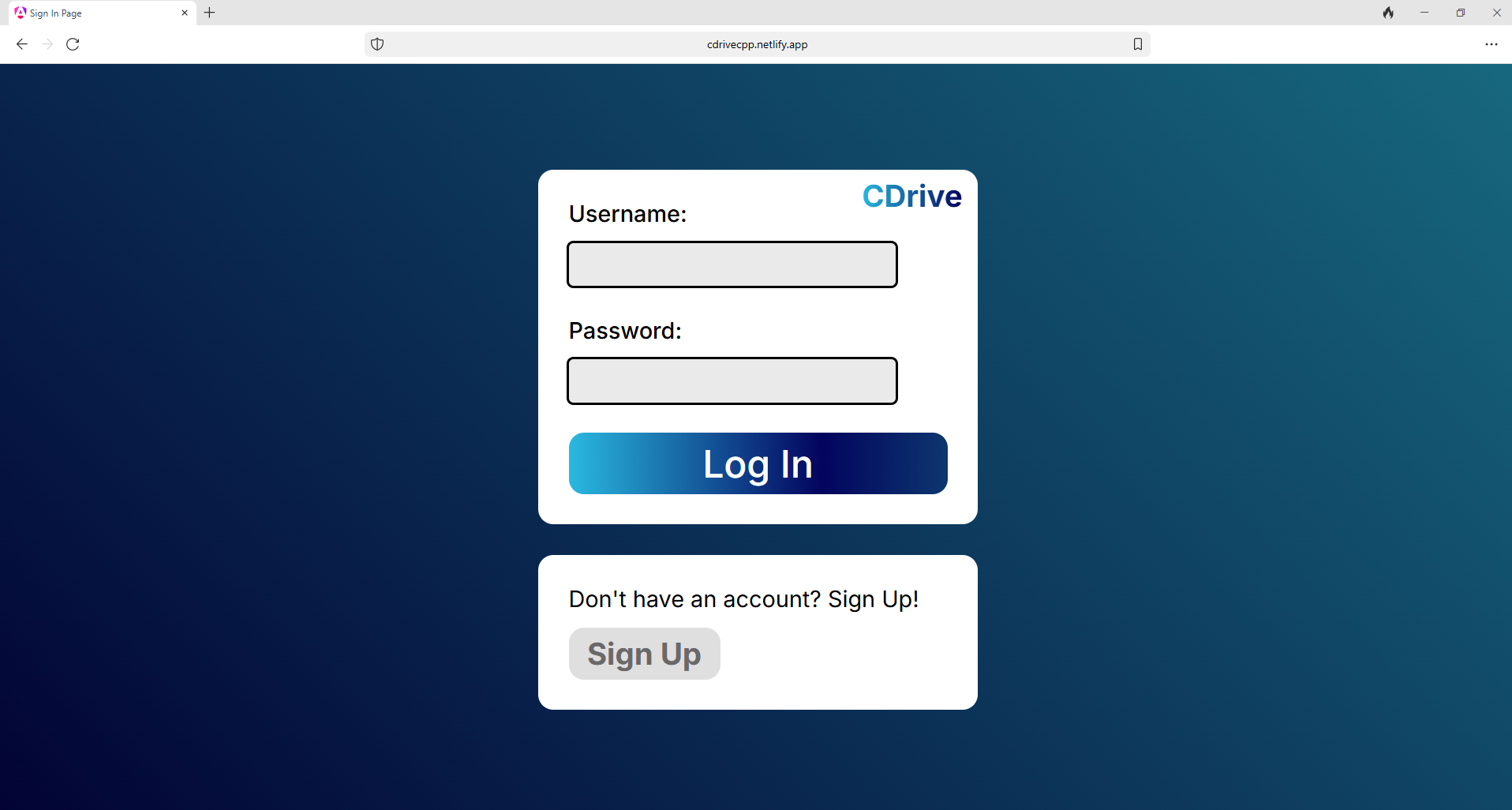
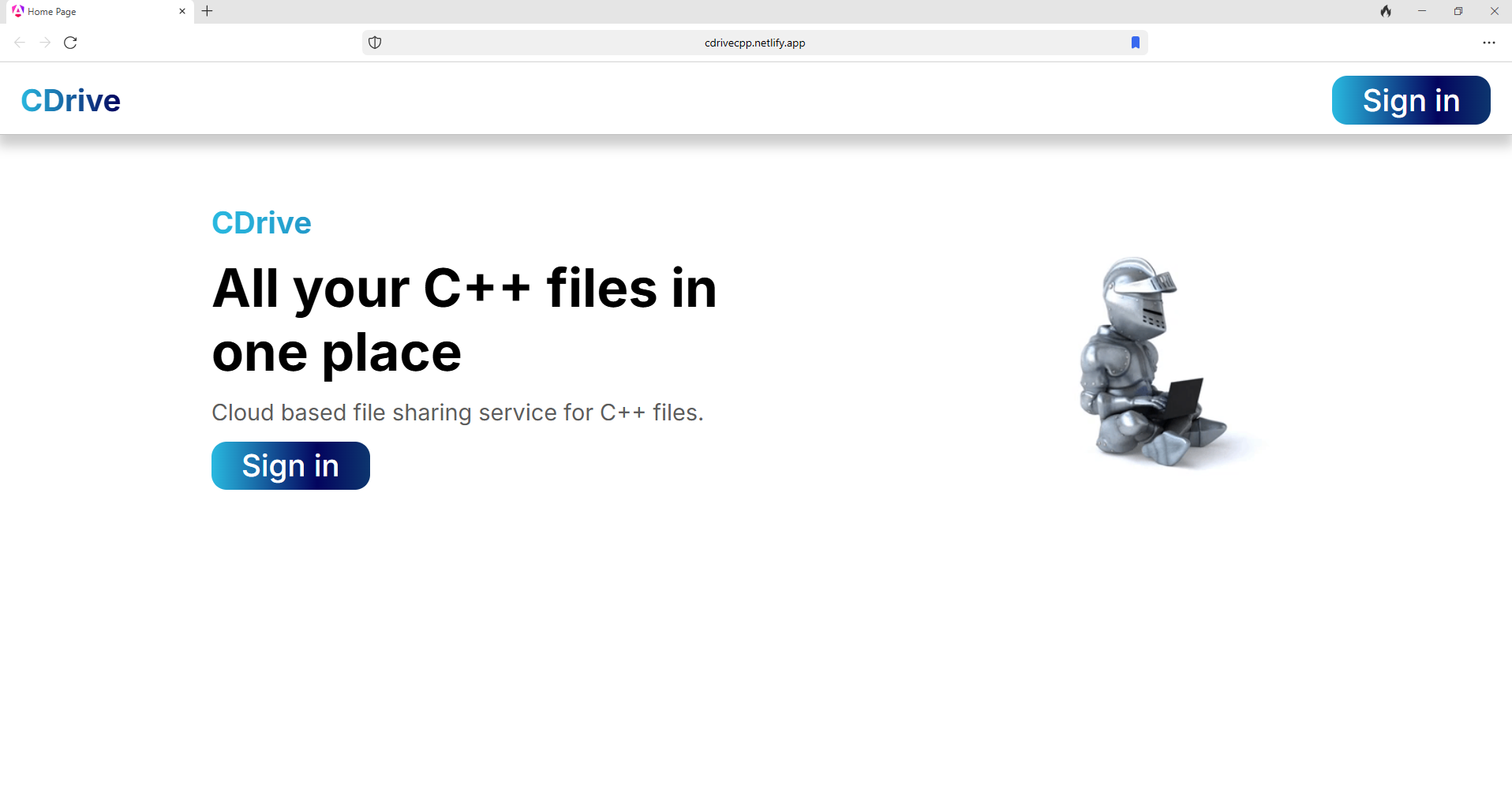
CDrive is a comprehensive online file hosting and compilation service specifically designed for C++ developers. Unlike traditional IDEs that require installation, our platform allows users to create, import, edit, and execute C++ code entirely through a web browser.
With real-time compilation feedback and full support for standard input/output operations, CDrive bridges the gap between desktop development environments and cloud-based coding solutions, making C++ programming accessible from any device with an internet connection.
Highlights
- Seamless File Management
- Upload existing projects or create new files directly in your browser
- Real-Time Compilation
- Instantly compile and debug your C++ code without switching applications
- Full I/O Support
- Complete stdin/stdout functionality
- Compatibility
- Code from any device: Windows, macOS, Linux, tablets, or smartphones
Technologies
- Frontend: Angular framework providing a responsive and intuitive user interface
- Backend: Spring Boot powering our RESTful API and WebSocket connections
- Containerization: Docker ensuring consistent compilation environments
- Database: PostgreSQL storing user accounts, projects, and file metadata
- Cloud Infrastructure: AWS Lightsail hosting our backend services
- Frontend Hosting: Netlify delivering fast, global CDN distribution
- IDE Integration: Monaco Editor (the engine behind VS Code) offering syntax highlighting and intelligent code completion
The Problem
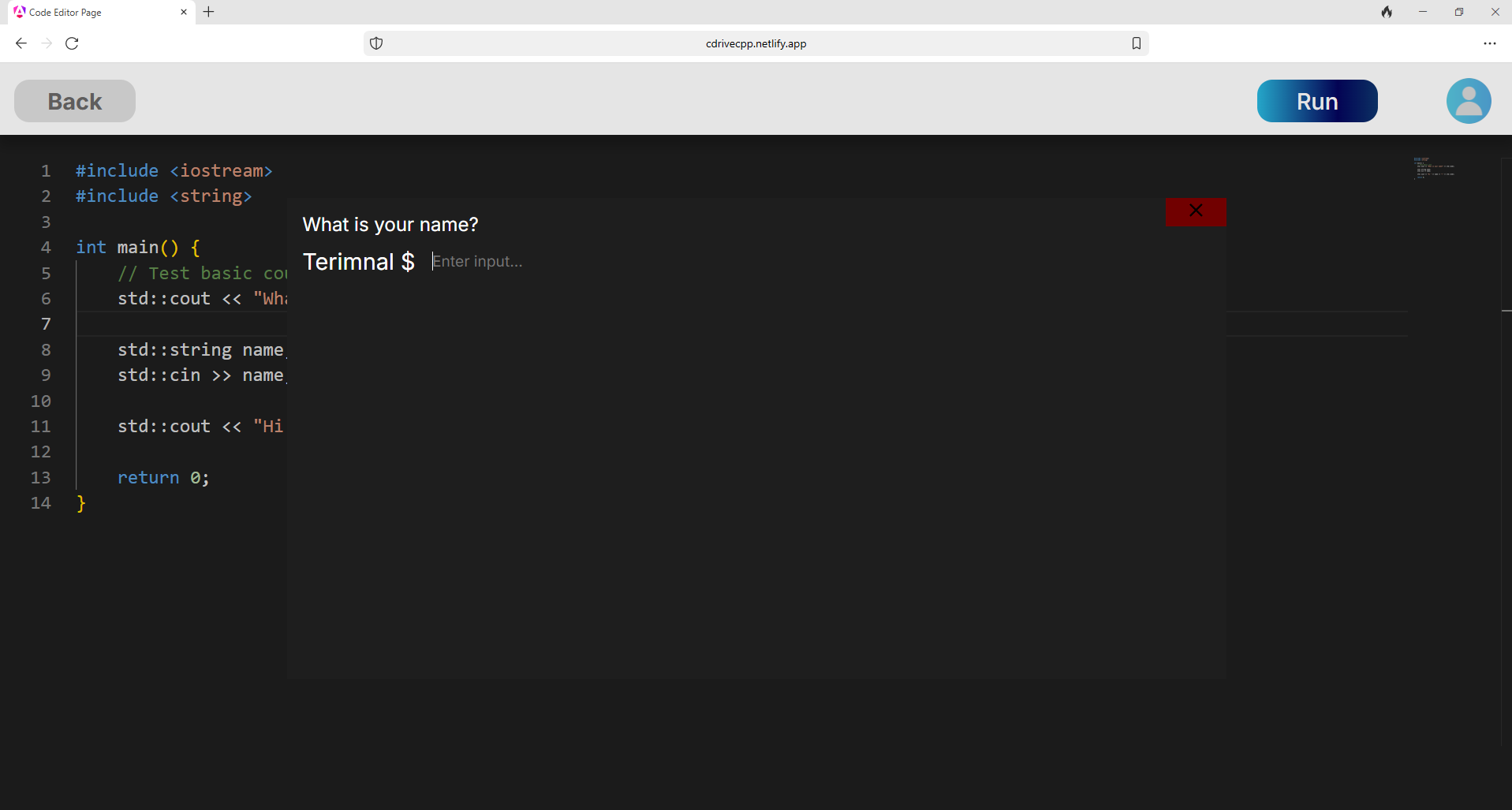
C++ developers faced significant limitations when working with C++ in browser-based environments. Existing online compilers lacked critical functionality:
- Most services either store or compile C++ files, leading to multiple services needing to be required.
- Code sharing often required cumbersome workarounds
- Restricted access to compilation flags and optimization settings
We identified these pain points and built CDrive to provide a more complete solution. By implementing WebSocket connections between our compilation service and the client interface, we established bidirectional communication that enables true interactive programming with full support for standard input/output operations.
User Experience
For CDrive, user experience was the top priority. Offering intuitive file management that lets you easily create new files or import existing projects with drag-and-drop functionality.
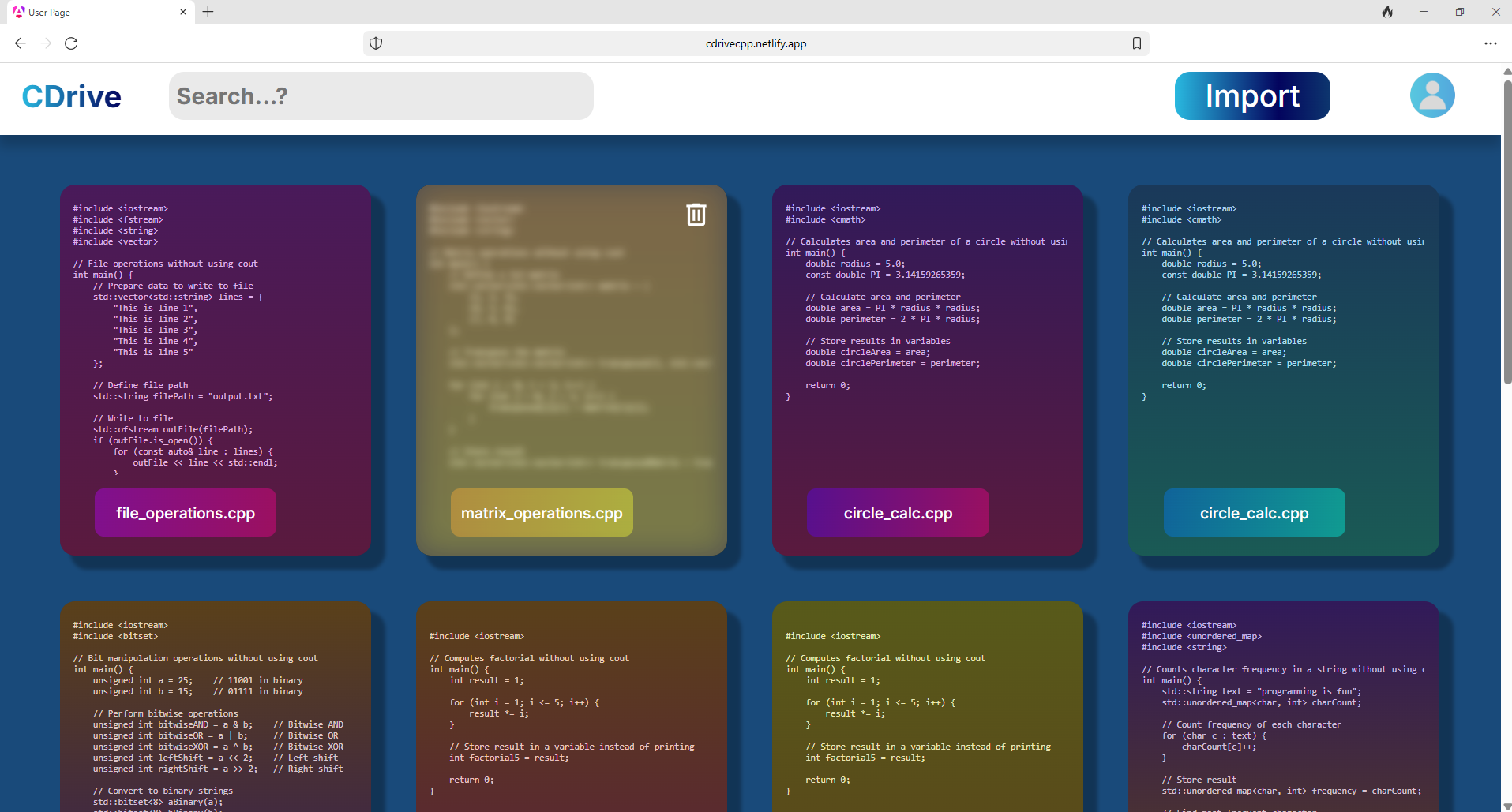
Thanks to our responsive design, you can enjoy a consistent experience across devices of all sizes.
Final Design
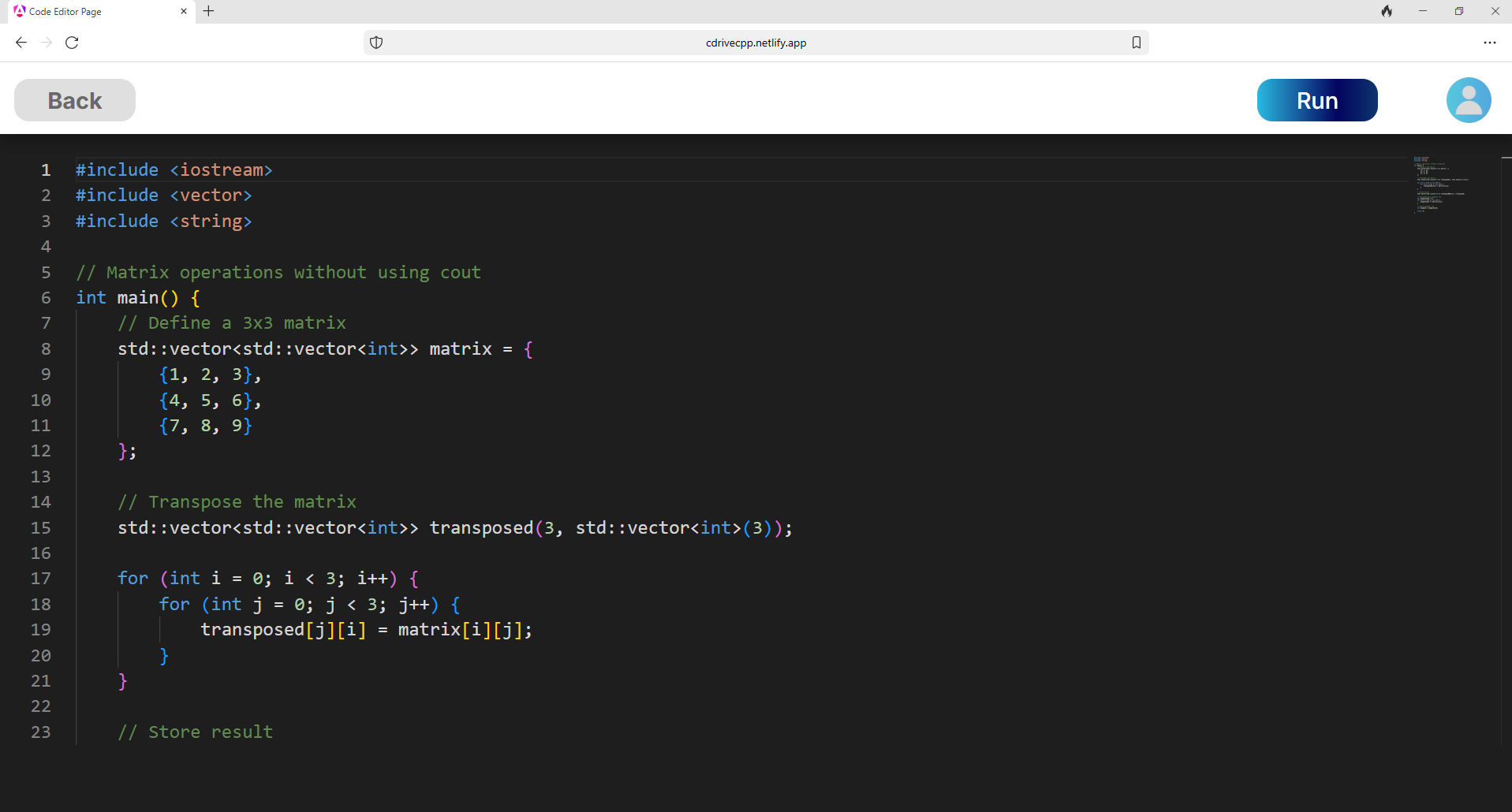
I chose Monaco as the code editor for its robust syntax highlighting, autocomplete capabilities, and extensive language support. The final design had lot of incredible features such as:
- Integrated Terminal: Execute shell commands and interact with your program directly in the browser
- Responsive Layout: Automatically adjusts to provide optimal experience on devices of any size
- File Importing: Easily drag and drop files into the website at any time
Future
- In depth version history.
- Integration with popular version control systems (GitHub, GitLab)
- Expanded library support for specialized C++ frameworks
- Collaborative editing with real-time cursor sharing.